Mahjong Solitaire
Match free tile pairs to clear stacked layouts. Each deal is built to be winnable.
About this game
- Players
- 1
- Levels
- 5
- Controls
- Touch, Mouse, Keyboard
- Daily challenge
- Yes
- Languages
- 20
What it is
Mahjong Solitaire is a single-player tile matching game. The tiles come from a 144-tile set and are laid out in a stack, and your job is to remove them two at a time until the board is empty. Each deal is built from a known solution, so a way to clear it exists when you start.
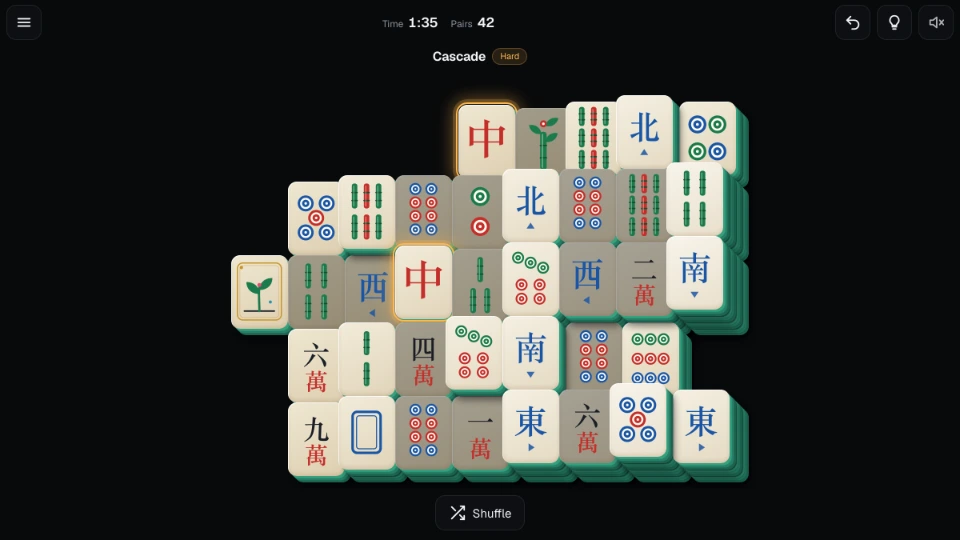
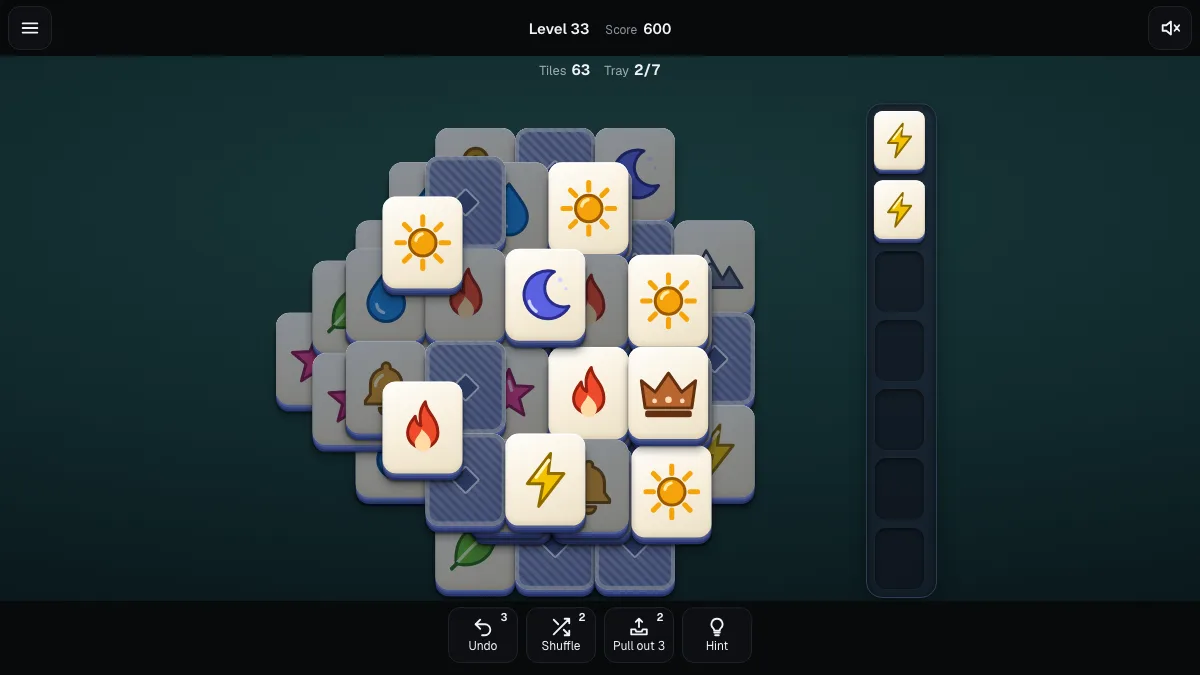
The tiles are drawn for this game. You get three numbered suits (dots, bamboo and characters), four winds, three dragons, four flowers and four seasons. Each face has its own shape and pattern, so colour is never the only clue. The tiles have real depth, and the higher a tile sits, the lighter it looks, so the layers are easy to read. A high-contrast option sharpens the faces, and you can switch on small numbers in each corner.
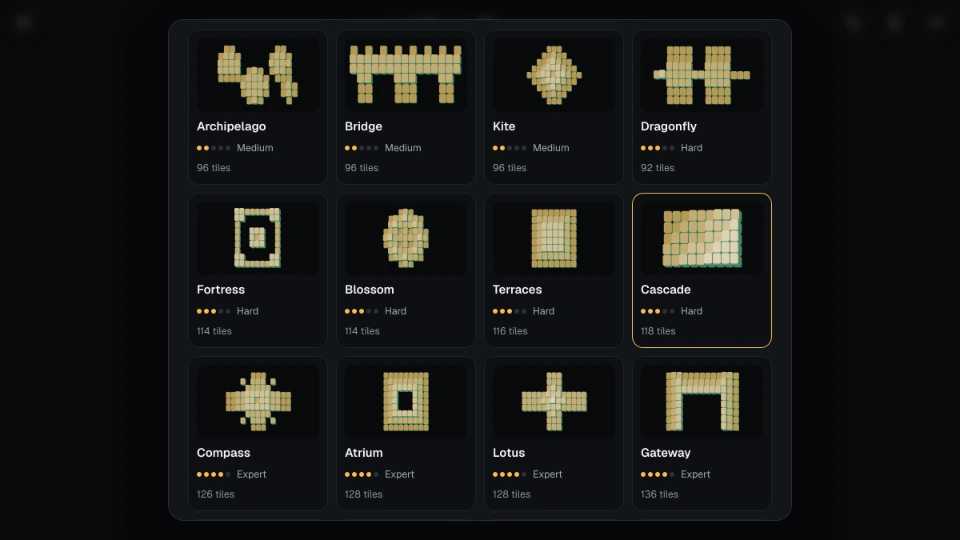
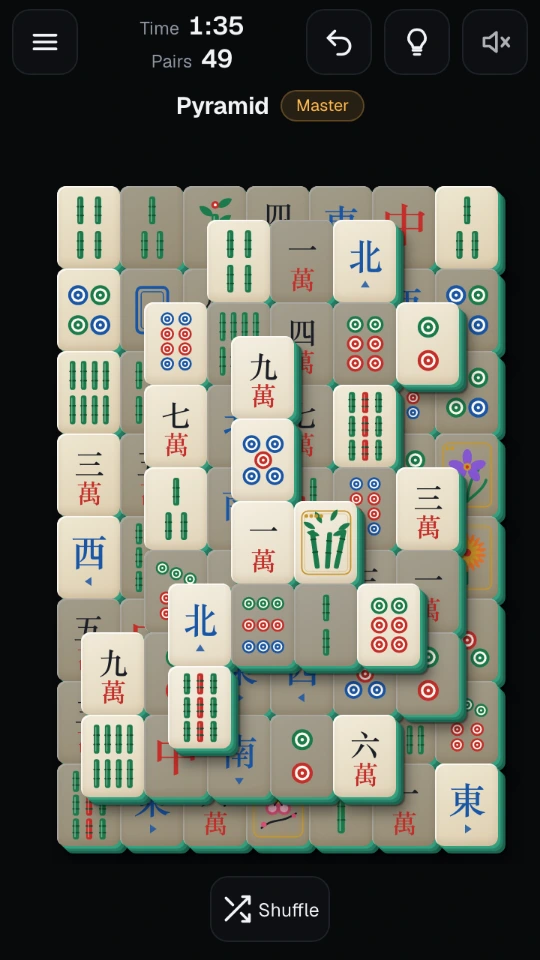
There are 26 hand-made layouts, from small boards of 52 tiles up to the full 144. They are sorted into five levels, Easy, Medium, Hard, Expert and Master, and each has its own name. Compact ones fit a phone held upright with large tiles, and wider ones make use of a tablet or desktop screen.
How to play
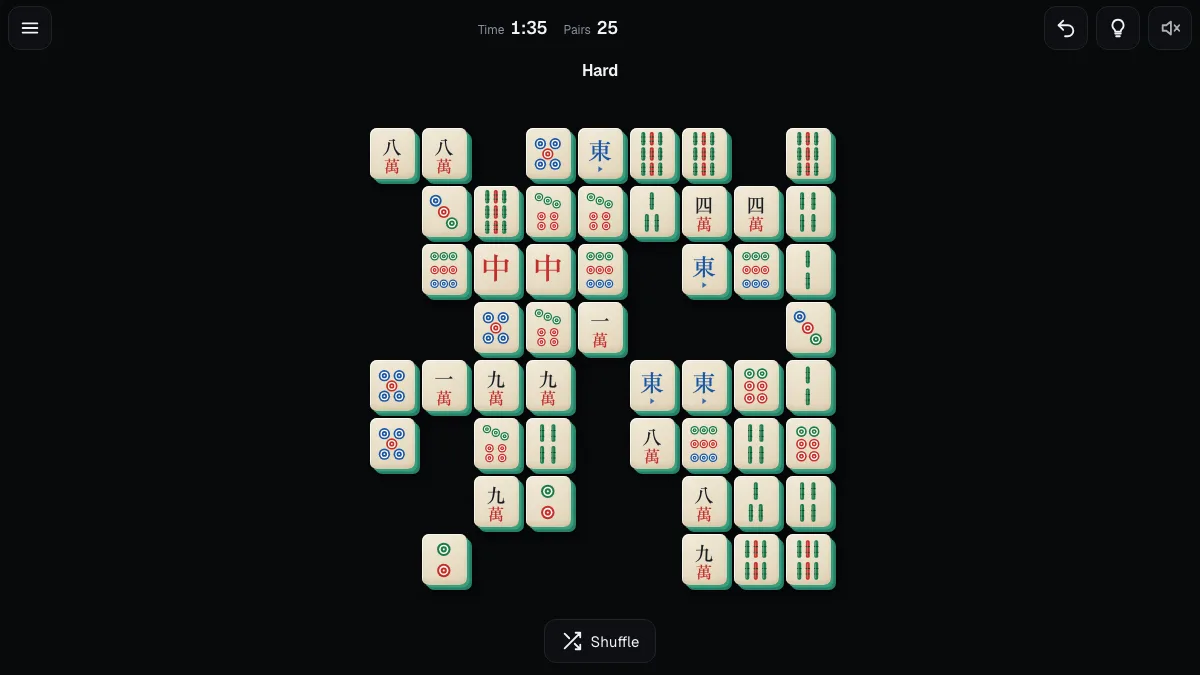
A tile is free when nothing lies on top of it and its left or right side is open. Only free tiles can be picked.
- Tap a free tile. It lifts and gets a ring around it.
- Tap a second free tile with the same face. The pair flies off the board with a short sound.
- Keep going until nothing is left.
Flowers are the exception to "same face": any flower matches any flower, and any season matches any season. All the other tiles must match exactly.
The controls under the board do the rest:
- Undo takes back your last move. There is no limit, and you can undo all the way to the start.
- Hint shows one pair you can remove right now.
- Shuffle re-deals the tiles that are left, in a way that still leaves a way to clear the board. It is free, but it lowers your star rating.
On a keyboard, the arrow keys move between tiles, Enter or Space picks one, and U, H and S undo, hint and shuffle.
If no free pair is left, the game says so and offers to shuffle or undo. Near the end of a board, it also tells you when the board can no longer be finished from where you are.
Your game is saved after every move, so the board is as you left it when you come back.
Modes and options
- Layouts. Open the menu and choose Layouts to see every board with its level, tile count and the stars you have earned. After you clear a board, the game suggests the next one you have not cleared that fits your screen.
- Daily layout. Each day brings one layout and one deal, the same for everyone. Clearing it builds your daily streak.
- Zen mode. Turns the timer off, so you can play without watching the clock. Zen clears do not set a best time.
- Dim blocked tiles. Tiles you cannot pick yet are shaded. This is on by default, and you can turn it off in Settings if you prefer to read the board yourself.
- Statistics. Boards started and cleared, win rate, pairs matched, layouts cleared, time played and your best daily streak.
Tips
- Look at the tiles that sit on top of long rows and tall piles first. Freeing them opens the most moves.
- When a face has several copies, take the pair that frees the most tiles, not just the first one you spot.
- Any flower matches any flower, and any season matches any season, so these tiles are flexible partners. Hold them back for the moments when nothing else is free.
- Use undo freely. It costs nothing, and trying a line to see where it leads is part of the game.
- For three stars, clear a board without a hint or a shuffle. A hint gives two stars at best, and a shuffle gives one.
- Start with the Easy layouts to learn how stacks free up, then climb. The Master boards stack four or five layers high.
Questions people ask
Can I always finish a board? Each deal is built by playing the board backwards, so a way to clear it exists when you start, and undo only puts back tiles that were there before. A shuffle re-deals the remaining tiles so that they can still be cleared. You can still box yourself in with a different choice of pair, and then undo or shuffle gets you out. In rare cases, such as two tiles that are left stacked on each other, no shuffle can free them and undo is the way back.
What does a shuffle change? It re-deals the faces of the tiles that remain. Using one lowers your star rating for that board to one star.
Is there a timer? Yes, unless you turn on Zen mode in Settings. The time shows above the board, and your best time for each layout is kept.
Why is the board bigger than my phone screen? Some layouts are large, and we keep tiles big enough to tap instead of shrinking them. Drag the board sideways or up and down, or pick a smaller layout. Layouts that do not fit your screen are marked Large board in the picker.
Do I need to sign up? No. Your progress, settings and statistics are kept in your browser on this device.
Does it work in other languages? Yes, in 20 languages, including right-to-left ones such as Arabic and Urdu.
Screenshots