Backgammon
Backgammon against the computer at three levels, with hints, undo and a daily game.
About this game
- Players
- 1 against the computer
- Levels
- 3
- Controls
- Touch, Mouse, Keyboard
- Daily challenge
- Yes
- Languages
- 20
What it is
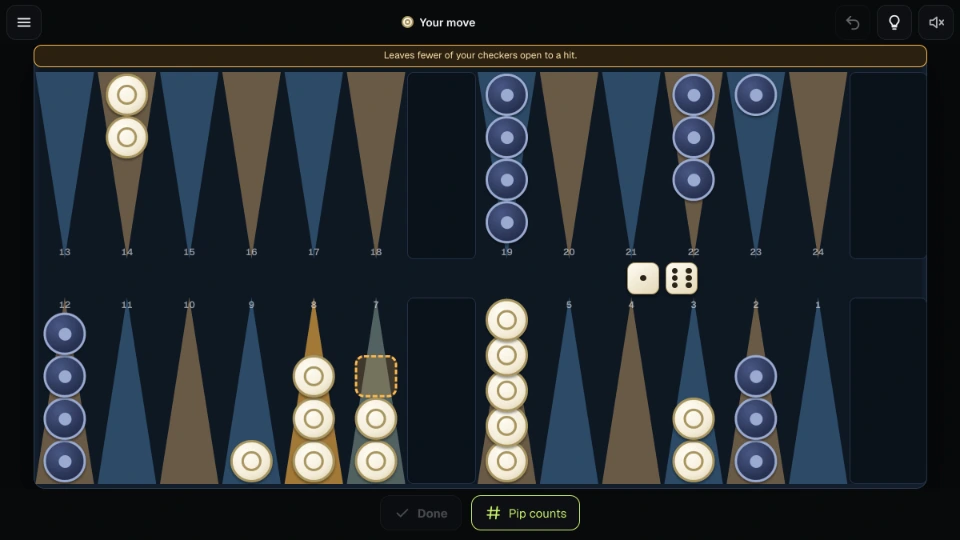
Backgammon is a game for two. Each side has fifteen checkers on a board of twenty-four points, and the dice decide how far you may move. You race your checkers round the board and into your home corner, then take them off. The first side to take off all fifteen wins. Along the way you can hit a lone checker of your opponent's and send it back to the start, and you can build points that the other side cannot land on.
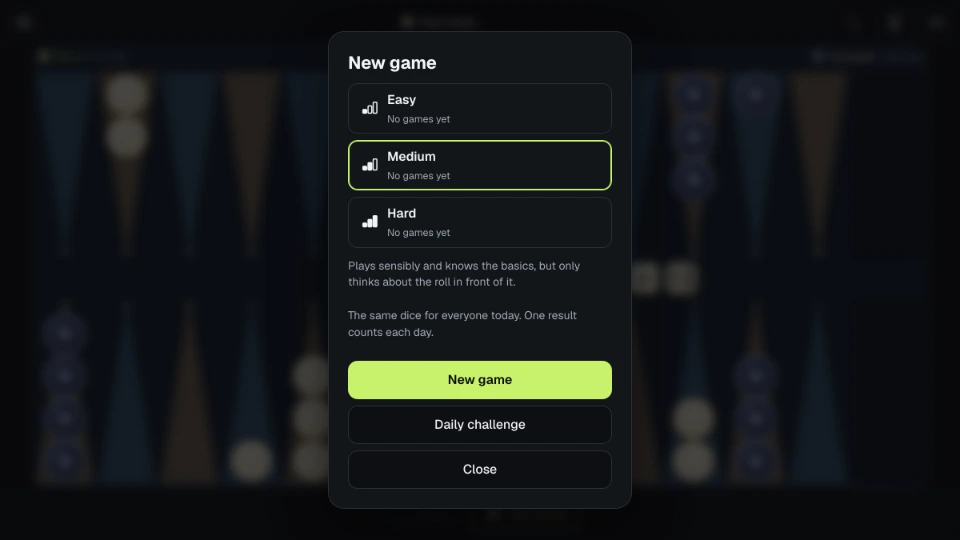
Here you play the computer, and you choose how hard it is. Easy plays loosely and makes plenty of mistakes, which makes it a gentle way to learn. Medium plays sensibly: it knows to make points, to hit and to keep its checkers safe, but it only thinks about the roll in front of it. Hard looks ahead at your possible replies before it decides, so it is the toughest level here.
The dice are fair and the same for both sides. In the daily game the dice depend only on the date (the day changes at midnight UTC), so everyone who plays the daily game on a given day gets the same dice.
A game scores 1 point. A gammon, where the winner has taken off all fifteen before the loser has taken off any, scores 2. A backgammon, where the loser also still has a checker on the bar or in the winner's home board, scores 3. Your statistics show your results for each level.
How to play
Before the first move, each side rolls one die and the higher roll starts, playing both dice. After that you take turns. Roll two dice and move a checker for each one. A double gives you four moves of that number. You can play the dice in either order, and one checker can use both. You cannot land on a point where the computer has two or more checkers. If it has one, landing there hits it and puts it on the bar. A checker on the bar must come back in before you can move anything else, onto the point that matches your die in the computer's home board. If that point is blocked, you lose that die. You must play as many dice as you can, and when only one die can be played it must be the higher one if possible.
When all fifteen of your checkers are in your home board you can start taking them off. A die takes off a checker from the matching point. If the die is higher than your furthest checker, it takes off that one instead.
On a phone, tap a checker to see where it can go, then tap a marked place. You can also drag the checker there. A place marked with a double ring uses both dice together, so one tap plays both. If you change your mind, Undo takes back your moves until you press Done to end the turn. If only one move is legal, the game plays it for you after a short pause. You can turn that off in Settings, and you can have your dice rolled for you too.
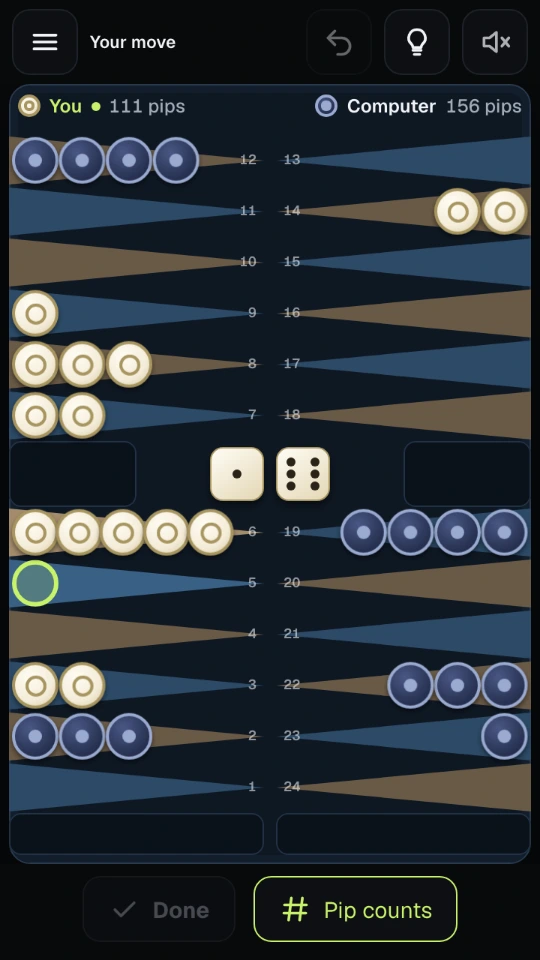
In portrait on a phone the board turns a quarter round so that every point is a wide row you can hit with a thumb. On a tablet or computer it lies flat, with the tools beside it or underneath.
On a computer you can play from the keyboard: the arrow keys move a cursor round the board, Enter or Space picks up and puts down, R rolls, D ends your turn, U undoes, H gives a hint and P shows or hides the pip counts.
The hint shows the computer's choice for your roll and says why in one short line: it hits, makes a point, brings a checker in, or leaves you less exposed. The pip count above each side is how many points of movement that side still needs to take everything off, so you can see who is ahead in the race. Point numbers can be switched off in Settings.
Your checkers are light with a hollow ring and the computer's are dark with a solid dot, so you can tell them apart without relying on colour. Marked places differ in shape as well as colour. If your device asks for reduced motion, checkers move without sliding and the dice appear without tumbling.
The game saves after every move. Close the page in the middle of a game and you come back to the same position, the same dice and, if you had started a turn, the moves you had played in it.
Tips
- Hitting a lone checker costs your opponent a whole trip round the board, but leaves your own checker exposed if it is alone too. Count what you risk.
- Two checkers on a point make it safe and block it. Points next to each other make a wall the computer finds hard to pass.
- Move your back checkers out early. They are the ones that get trapped.
- When the race is even, the pip counts tell you whether to run or to wait and hold back a point.
- Use a hint when you are unsure, then read the reason rather than only following it. The same reason will come up again.
- Try the same level a few times before moving up. Medium rewards patient play.
Questions people ask
Does the computer cheat on the dice? No. The dice are the same for both sides, and the computer plays by the same rules you do.
Can I play against another person? Not here. This is a game against the computer, with three levels.
Is there a doubling cube? No. Each game is played out on its own and scores 1, 2 or 3 points.
What is a pip count? The total number of points a side's checkers still have to travel to be taken off. It starts at 167 for each side. The lower number is ahead.
Why did the game skip my turn? When no legal move exists, for example because every point you could enter on is blocked, your turn passes. The game says so.
Do I need an account? No. Your results, settings and the game in progress are saved on your device.
Can I play offline? The game needs no network once it has loaded.
How does the daily game work? It starts from dice that depend only on the date, so everyone gets the same ones that day. You choose the level and the first result of the day is the one that counts in your daily record.
Screenshots